Descrizione
eBay description HTML for electronics
Laptops, audio, parts: filters read ports, warranty and condition first. This template keeps the spec sheet up top and the story below.
What buyers read first
Ports, power, what’s in the box, remaining warranty, visible marks. A buyer filtering “HDMI + 16 GB” will not click glow without a table.
Where other templates fall short
Website-builder “eBay themes” ship sliders and script tabs. On the live listing that surface dies. This export stays HTML eBay will keep.
What you get
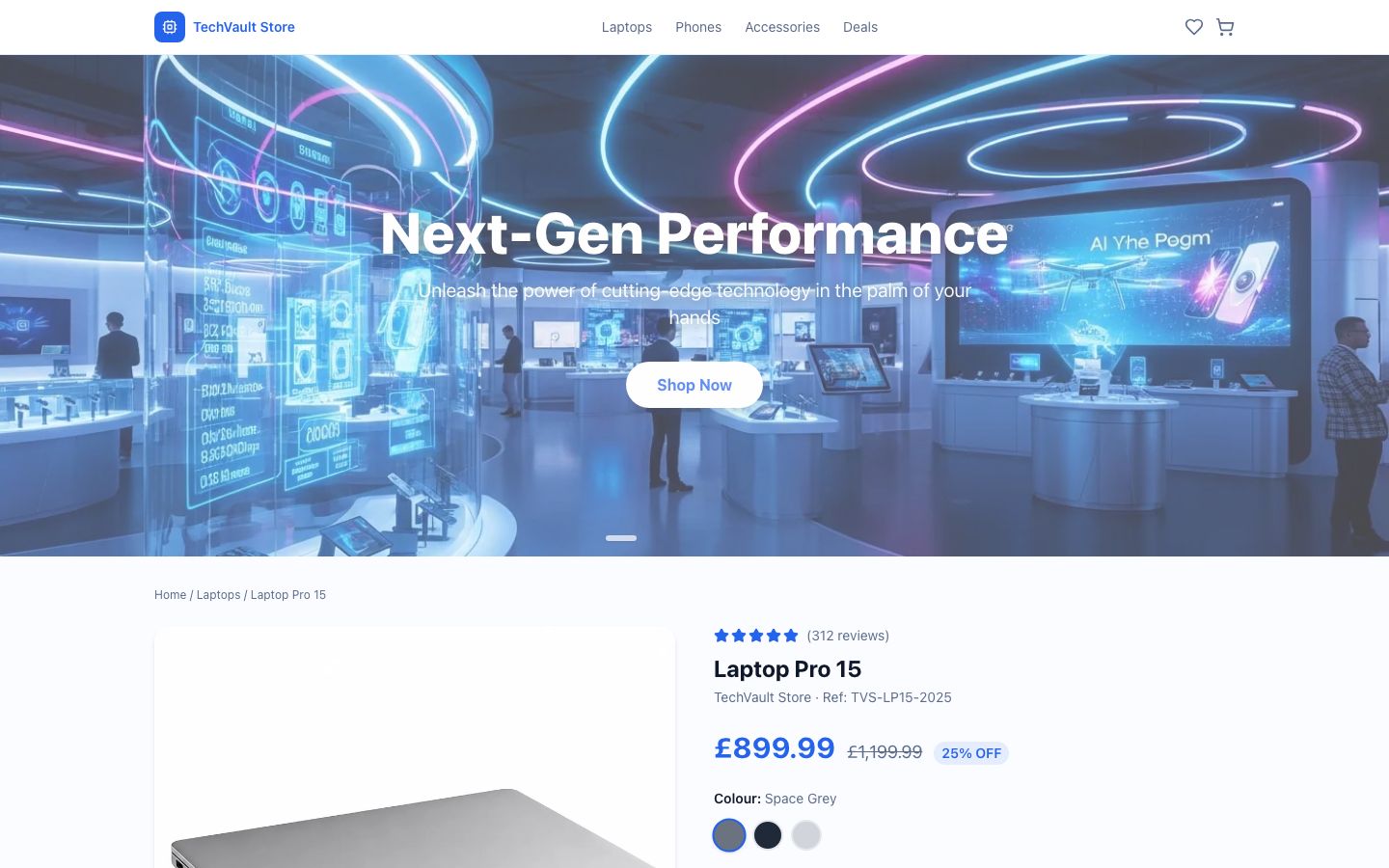
After purchase the editor is in your account – this design only. Export is description HTML you paste into the eBay listing: gallery, copy, variations, shipping, returns. Room for measurements and a parts list. No bait figure in the hero – the price sits in the eBay listing.
Demo: Electronics demo. All 14 designs: listing pack. How to paste: guide.
What is not included
No mini-shop, no cart, no checkout on eBay. Tabs that only switch with script often collapse on the live listing. A shop or practice site belongs with the HTML templates.
Licence
A standard licence is one end product. This product covers one design. A second design needs a second single – or the pack. Client work: template for client projects. Hub: eBay listings. Template vs app: eBay description HTML.